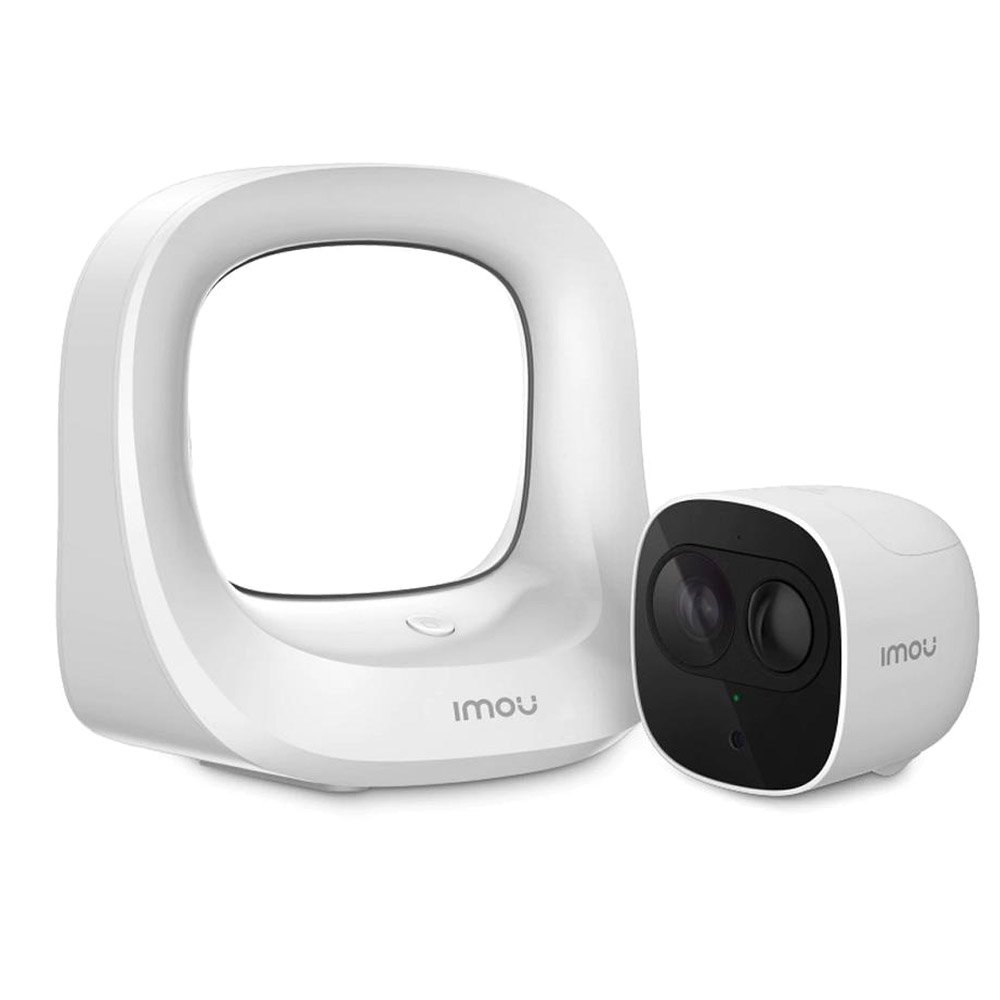
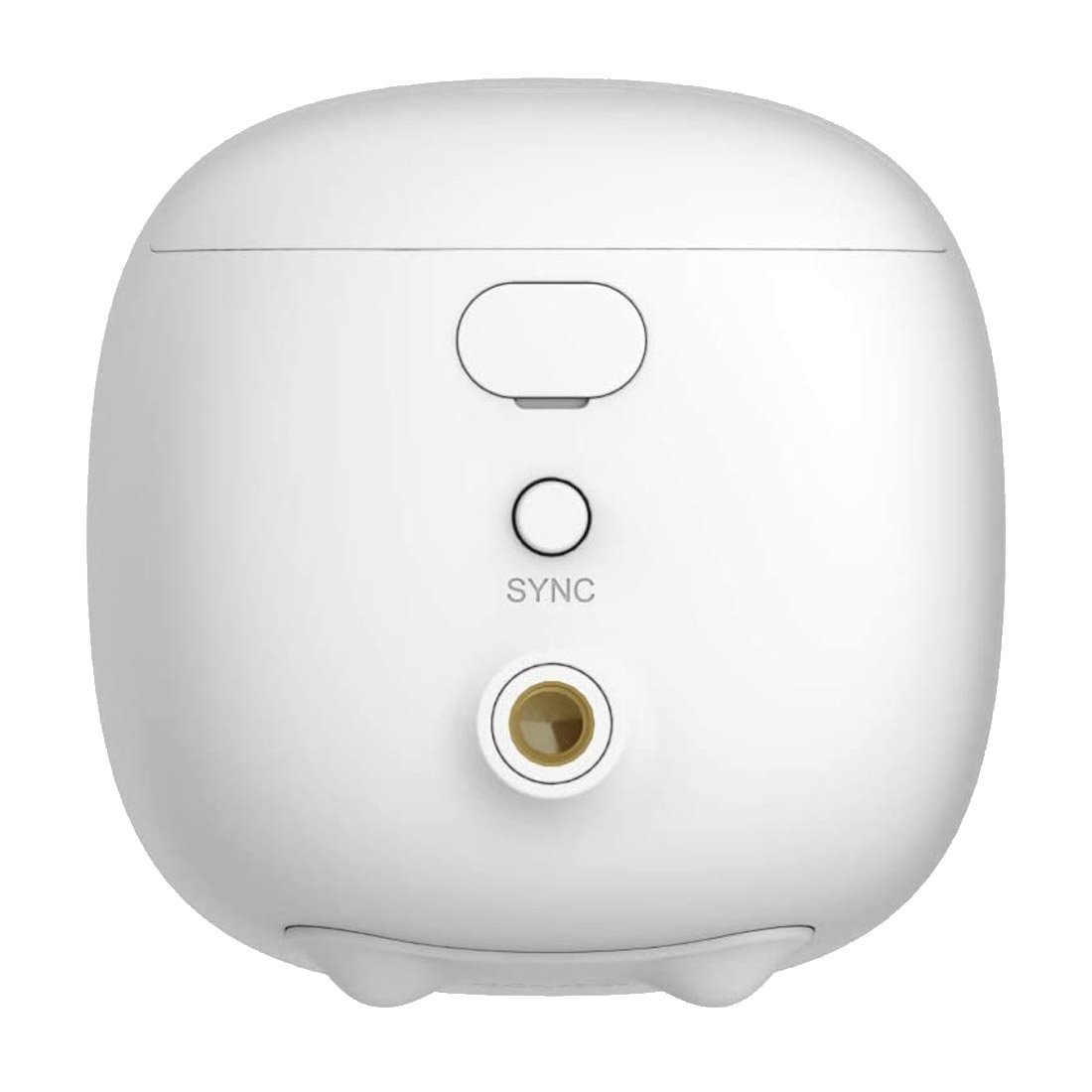
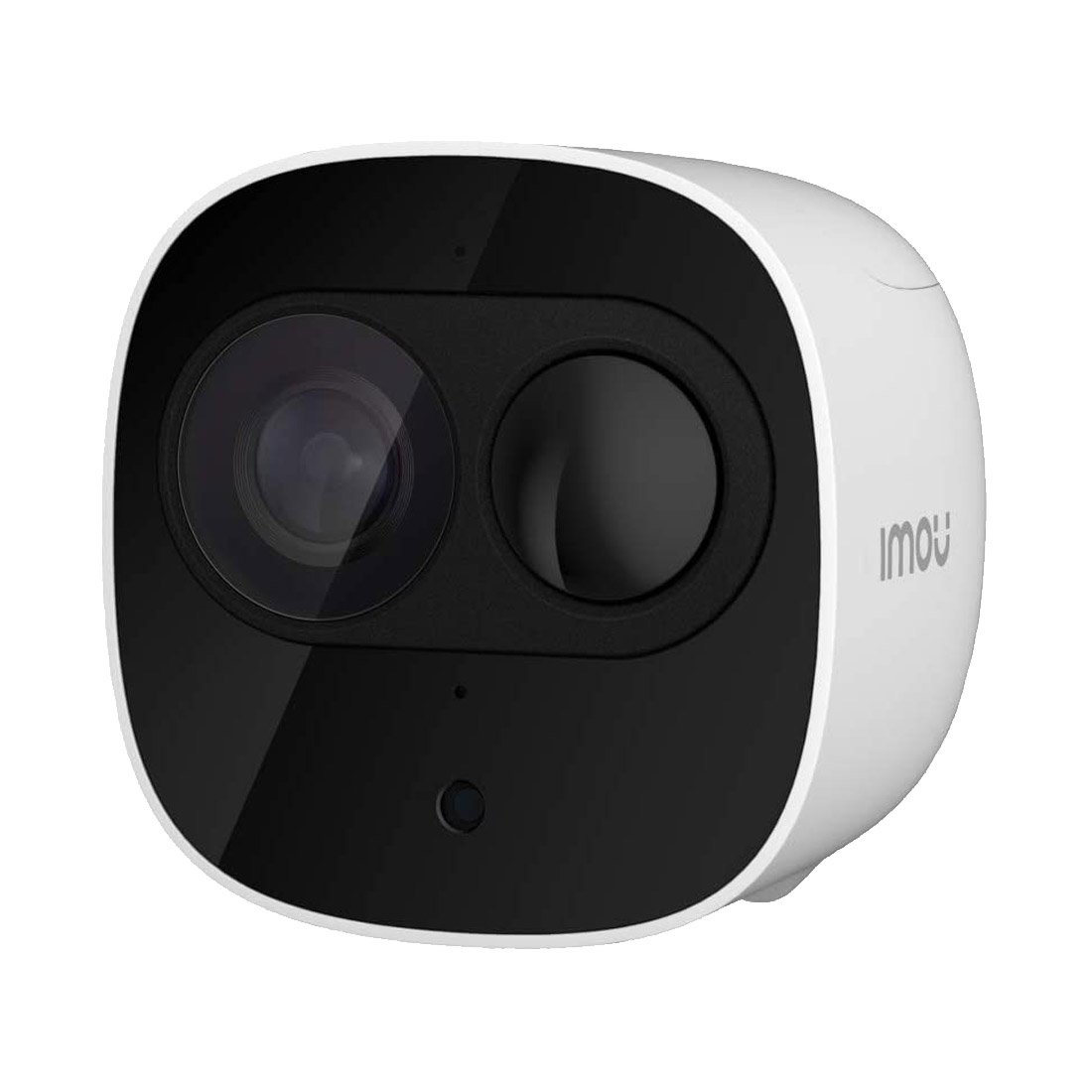
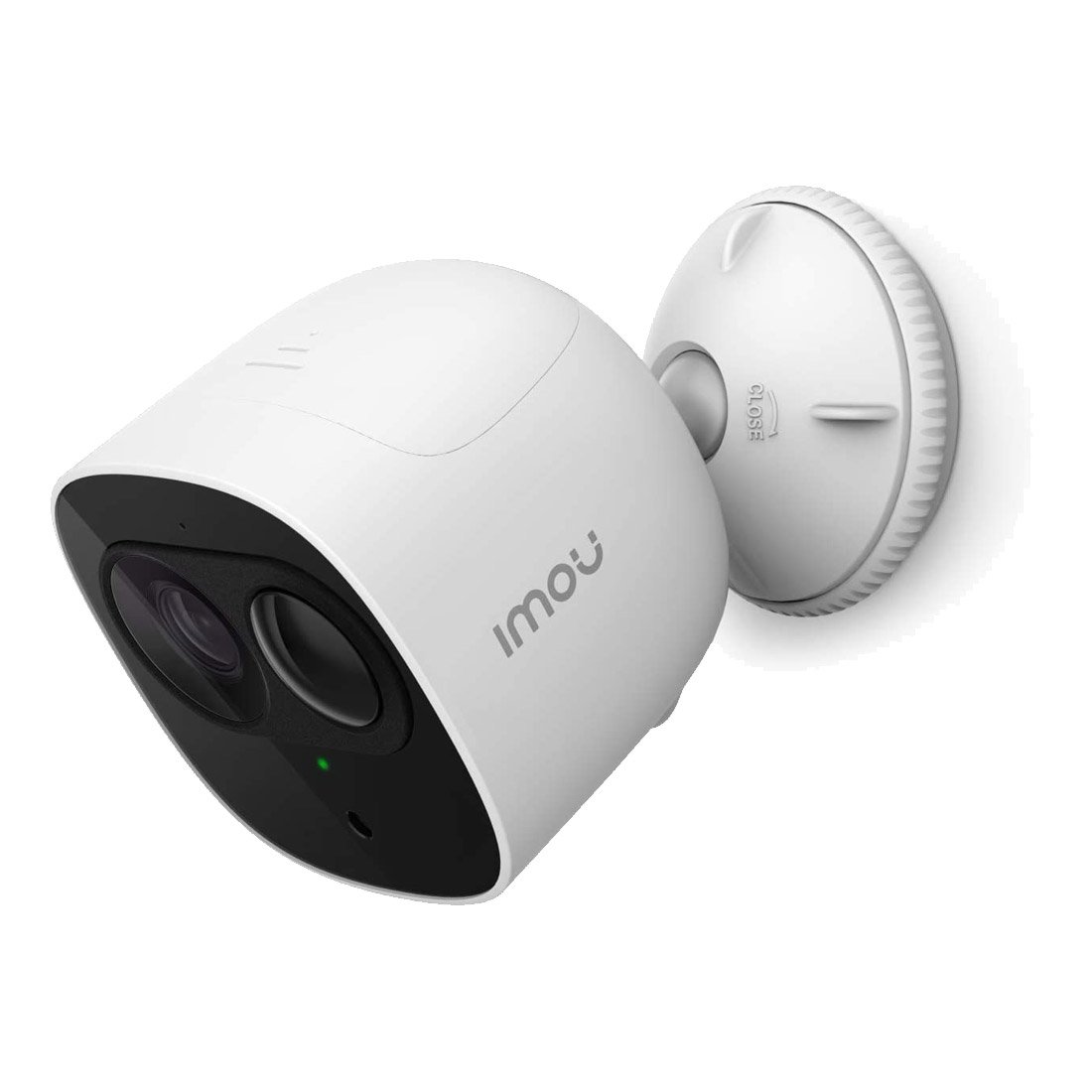
Imou Cell Pro 1080P Full HD See more than 720P 100% Wire-Free Free of network cabling and power wiring hassles Rechargeable Battery 6 months battery for a full charge* *Frequent alerts may accelerate battery consumption PIR Detection High quality passive IR detector for reducing false alerts Two-way Talk Real-time talk with people in front of the camera H.265 Codec Save more high-quality video in less space Cloud Service Live video, storage, and more IP65 Weatherproof for outdoor conditions Local Backup Connect a USB drive to the base station for local recording backup 100% Wire-Free Security System Powered with the built-in rechargeable battery and connected by Wi-Fi, Cell Pro can be placed anywhere you want. The IP65 weatherproof design makes it easy to keep an eye on your home, inside or out, rain or shine. * The battery lasts for 6 months on a single charge. Frequent alerts may accelerate battery consumption. 1080P Full HD Video & H.265 Compression The 1080P sensor and advanced IR algorithms provide crystal clear video both day and night. The cutting-edge H.265 compression reduces network bandwidth & storage space, and prolongs the battery life. 720P HD1080P Full HD PIR Detection When a person walks by your camera, the body heat will trigger the alarm. Then camera will start recording and send you real-time notice. Instant Alert Video Don’t miss any details Night vision mode automatically switches on and off. Advanced IR algorithms provide clear picture even in complete darkness. DaytimeNight Vision Diversified Storage Video is easily stored and accessed through Base Station or Cloud storage. Connect a USB drive to the Base Station for local storage (up to 2 TB). The Base Station might format your USB, please backup your personal data before initial use. Imou Cloud Imou Cloud makes your life easier with alarm notifications, live video streaming, and one-touch firmware updates. Optional Covers Optional silicon covers are available in black, white, and camouflage, for aesthetic design or to blend in with the surroundings. * Purchase Separately How to Setup Cell Pro Connect to Router Sync Camera(s) Monitor Wherever You Want Purchase options 1 Base Station 1 Camera 1 Base Station 2 Camera Add on camera a) The add-on camera only works with an existing Cell Pro security system base station b) 1 Base Station supports up to 6 cameras. 100% Wire-free Mount the camera anywhere you want Cell Pro Specifications Cell Pro Camera 1/2.7” 2Megapixel Progressive CMOS 2MP(1920 x 1080) Night Vision: 10m(33ft) Distance 2.8mm Fixed Lens, F2.2 Field of View : 110°(H), 61°(V), 130°(D) Network Wi-Fi: IEEE802.11b/g/n,50m(164ft) Open Field Imou App: iOS, Android Auxiliary Interface Built-in Mic & Speaker Micro USB Power Port SYNC Button Video & Audio Video Compression : H.265/H.264 Up to 20fps Frame Rate General DC 5V 1A Power Supply Or Rechargeable Battery Power 6 Months Battery for a Full Charge Power Consumption: ≤3W IP65 Working Environment: -20°C~ 45°C(-4°F~113°F),Less Than 95%RH Dimention: 77 x 77 x 71.5mm(3.03 x 3.03x 2.81inch) Weight: 350g(0.77lb) CE, FCC, UL Notice Management PIR Detection Base Station Network 1 x 100Mbps Ethernet Port Wi-Fi: IEEE802.11b/g/n, 100m(328ft) Open Field, 2 X 2 MIMO Auxiliary Interface – 1 x DC Power Port – 1 x Reset Button – 1 x LAN Port – 1 x USB2.0 Port – 1 x Sync Button General DC 12V 2A Power Supply Power Consumption: ≤6W Working Environment: -10℃~ 50℃(14℉~122℉),Less Than 90%RH Dimention:157 x 108 x 154mm(6.18 x 4.25 x 6.06inch) Weight: 270g(0.60lb) Cell Pro Packing List Cell Pro Kit 1 (1 Base Station 1 Camera) – 1 x Camera – 1 x Power Cable – 1 x Bracket – 1 x Battery – 1 x Screw Package – 1 x Base Station – 1 x Power Adapter – 1 x Network Cable – 1 x Quick Start Guide – 1 x Positioning Map Cell Pro Kit 2 (1 Base Station 2 Camera) – 2x Cameras – 2 x Brackets – 2 x Batteries – 2 x Screw Packages – 1 x Power Cable – 1 x Base Station – 1 x Power Adapter – 1 x Network Cable – 1 x Quick Start Guide – 1 x Positioning Map Cell Pro (Add on Camera) – 1 x Camera – 1 x Quick Start Guide – 1 x Power Cable – 1 x Bracket – 1 x Positioning Map – 1 x Screw Package – 1 x Rechargeable Battery Cell Pro Operating with Imou APP Step 1 Search “Imou” in Google Play or App Store to download and install Imou App. Step 2 Run Imou App, and then register an account for first use. Step 3 Connect the camera to power source with the power adapter. Step 4 Wait for booting to be finished, and then the camera indicator flashes with green light. Step 5 Connect your smart phone to your Wi-Fi network, and make sure your smartphone is connected to Wi-Fi network with 2.4 GHz band, and then do the following operations to finish adding camera. Note:● If you have more than one camera, do step 5 to add them one by one. ● If the Wi-Fi network changed or the indicator status goes wrong,reset the camera, and then do step 5 to add it again. Stay close with what you care With Cloud service, you will have access to what you care as long as Internet is available . You can record daily or motion videos on Cloud and play back anytime anywhere.
Related products
-
PTZ Network IP Bullet Mini for Outdoor VVCAMS Digital Camera VV-10X Kitchen Ware $ 97.54 Add to cart